Sunday, 6 September 2020

Code Spark App

This is the progression lesson from the unplugged lesson on algorithms and using arrows to guide the Kid bots around the grid. 

We discussed what we did last time and looked at how we needed to use the directional arrows to guide the Detective to the donuts!

We had lots of fun using the touch screen TV as well.


Tangram Puzzles

 The Junior Classes began their lesson looking at Tangram Puzzles.

The objective was looking at decomposition- realising that problems are made up of small bits.  They worked together to make a new pattern using all of the shapes.  The tricky part was getting the shapes back into the square again.  It took lots of resilience and collaboration. 


Sunday, 26 July 2020

Virtual Reality and CoSpace

The Senior classes have been working on creating a scene with animals. The Junior school are doing a topic based theme about animals and the rain forest.

Once they had chosen their theme they researched some key facts about animals which they entered as information into their environment.  Adding animation, sound and movement through coding made their spaces interesting and appealing for a young audience to view.

Seeing their spaces come to live through the VR gave them a real buzz to see all of their hard work come to life.


Sunday, 12 July 2020

Unplugged Junior Lesson

The fruit game
The children start with a piece of fruit in their hand and the idea is for them to pass them around the circle with their friends and try and get the other piece of fruit so they have a pair.
This involved them having to collaborate and co operate and come up with a system that worked. 


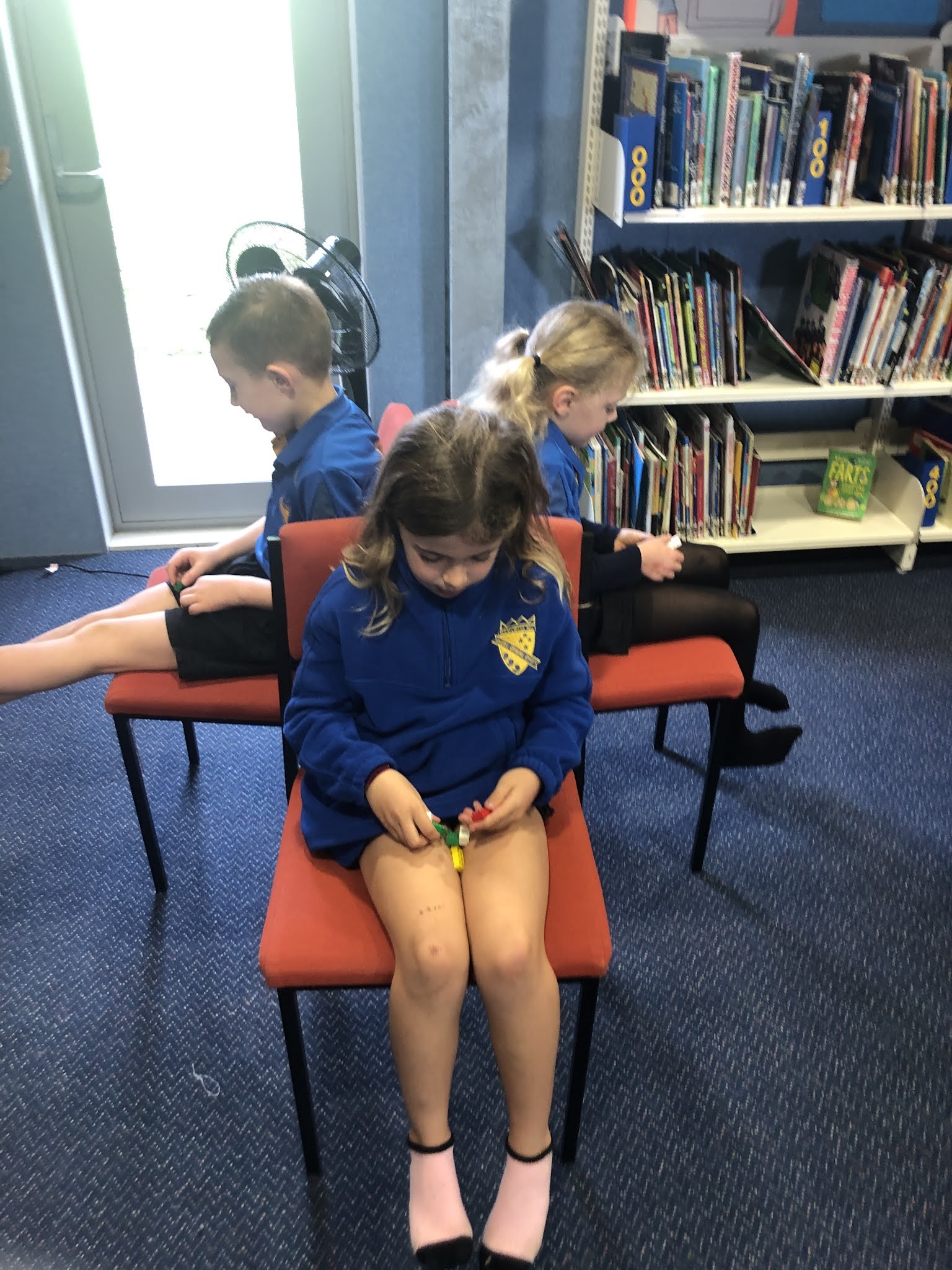
Lego Build

This involved giving clear and precise instructions to see if their partner was able to build the same object out of lego as them.  They learnt that sometimes what they thought was a clear instruction was not!  They began to understand that it was important to be precise with the size, colour and shape and the position that each lego needed to go.  We had mixed results but each time they got better.  They also needed to listen very well!


We could see where we went wrong and debugged.
This team had success and worked well together listening and following instructions.


Coding the Plushie


We looked at direction and finding the best algorithm to get the Robot Kid  to the plushie
We discovered that some of our instructions were not clear to follow
 It was easier when we used arrows and showed direction.

Tuesday, 30 June 2020

Animation

We have begun to look at animation.  We started off as a whole class and discussed animations we have watched.  After we viewed a short film of Wallace and Gromit we shared what we noticed.

The first step is to create a thaumatrope - we used two pictures opposite each other when we spun them fast the images blended into one another giving the illusion that the bird was in the cage or the fish was in the bowl.


Claymation
Using the camera on their chromebook they set up their stage 
Groups were given the task to make their ball roll, make their snake slither and make their clay grow.

Once they had viewed their work they downloaded the Clap motion app from the google chrome store.

They used a story board to draw their plan for their story.

The juniors used letters and an ipad to animate spelling words.  They started with their names.

Tuesday, 24 March 2020

Creating bookmarks by following instructions

Making the bookmarks also worked with the younger class.  I adapted my plan by getting them to go through the process step by step as a whole class, we wrote up the instructions together on the whiteboard and used less words and more pictures. 

Using googly eyes and cutting out our parts for the face worked better as than drawing freehand.


Monday, 16 March 2020

Colour by Pixel- Programming through pixels

Programming through pixels

- Recapped on how to read  X & Y axis and follow coordinates

Writing their own program for their pixel picture

Students come up with their own pixel design and wrote the program for it


- Students made a grid 4x4

- Teacher called out coordinates for them to plot

- Created their first pixel on paper

- They then created their own after reading a program and plotting the coordinates

- To finish off they create their own pixel picture and write the program for it

Amaz-ing

 Marble Maze- Cognitive skills Steps to making the Marble Maze First we created a base for our maze.  We created some concentric circles ins...